
Email forwarding allows messages received by one email account to be automatically delivered to another email address.
1. Log in to your cPanel account
(e.g.: yourdomain.com/cpanel or cpanel.yourdomain.com)
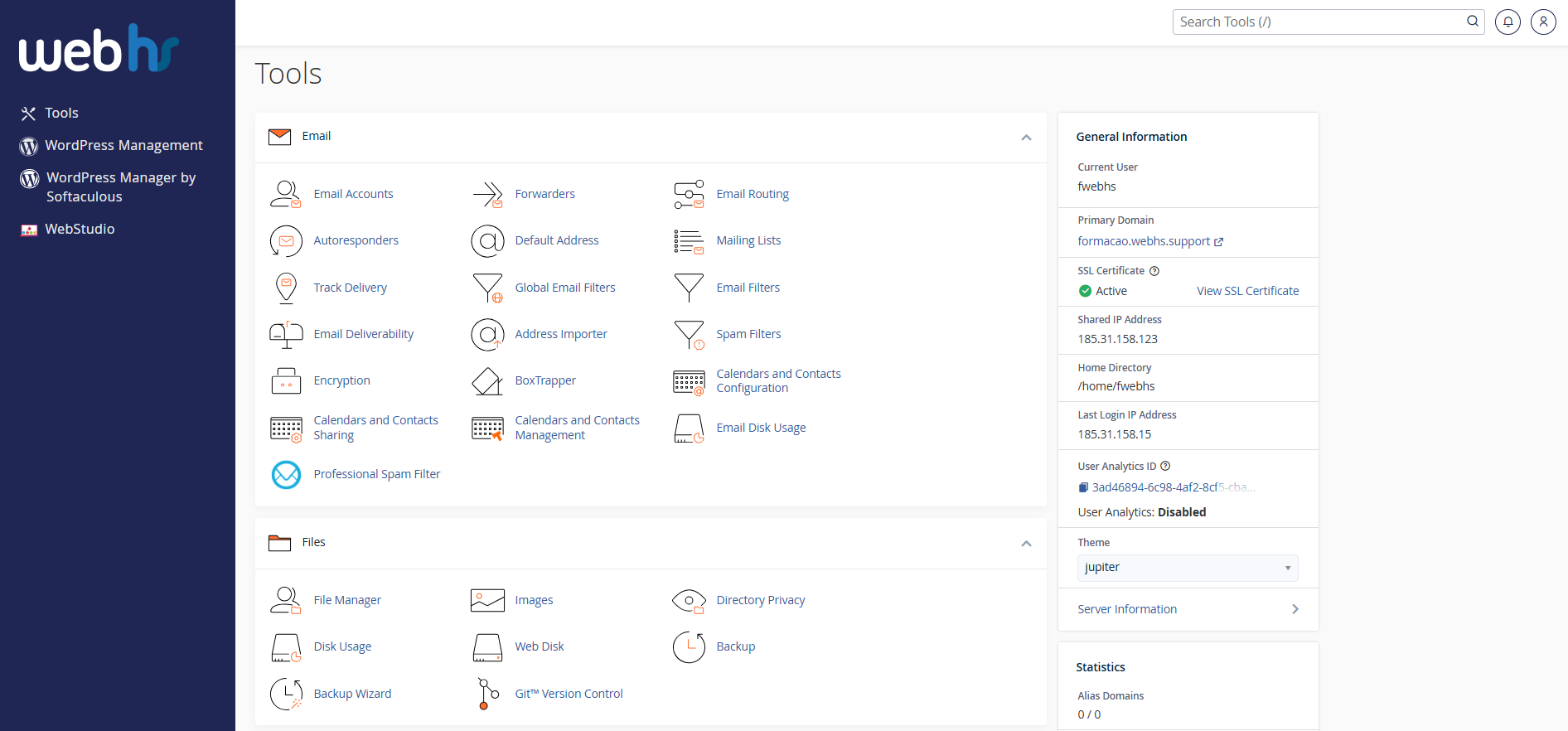
cPanel overview
2. Click on Forwarders
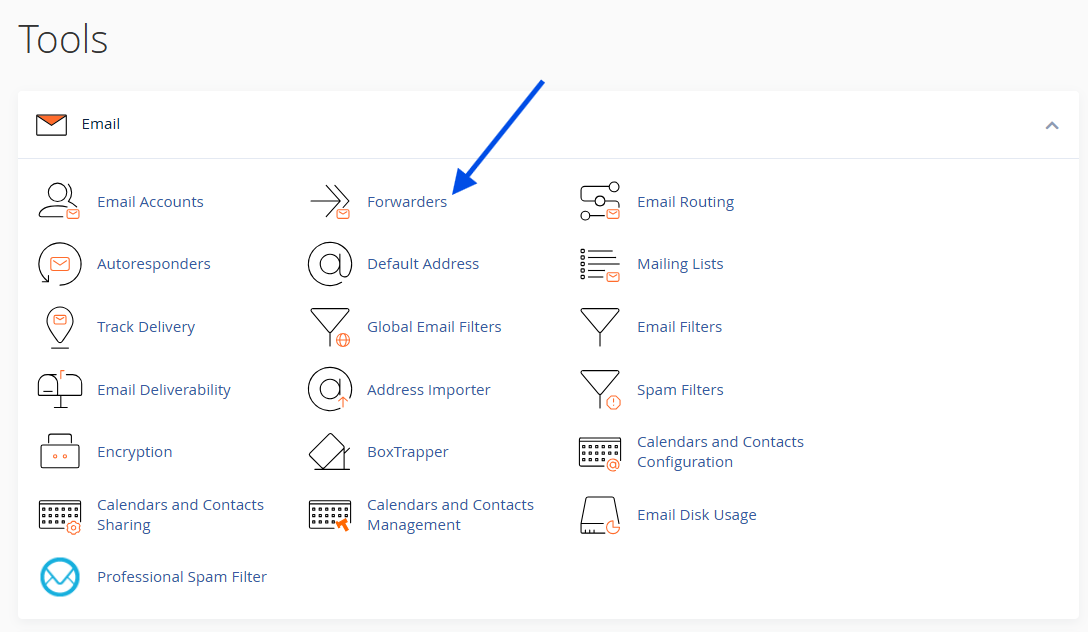
3. Select Add Forwarder

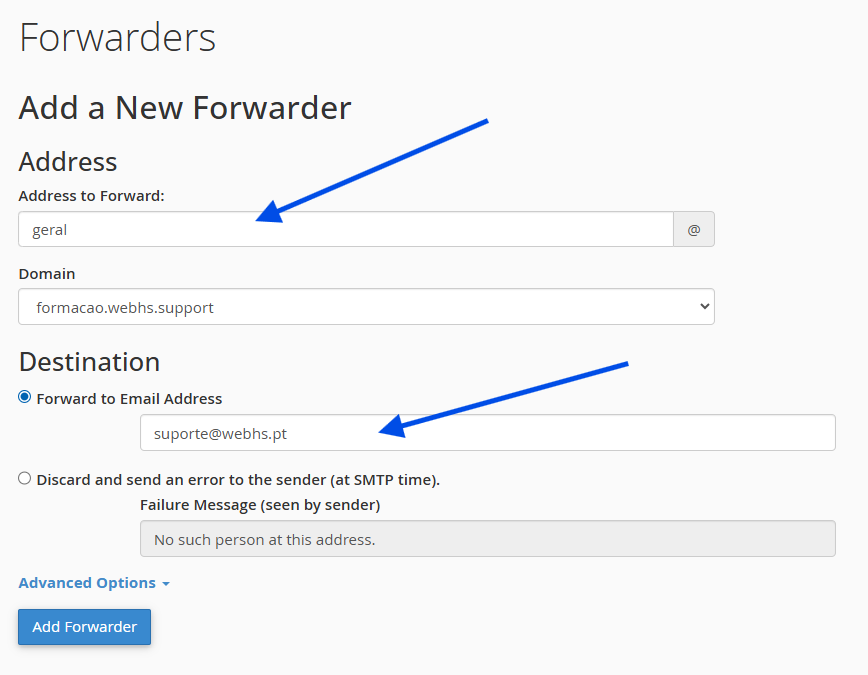
4. Complete the following fields:
Address to Forward – Source email address
(e.g.: hello@yourdomain.com)
Forward to Email Address – Destination email address
(e.g.: youremail@gmail.com)
5. Click on Add Forwarder to save the configuration.
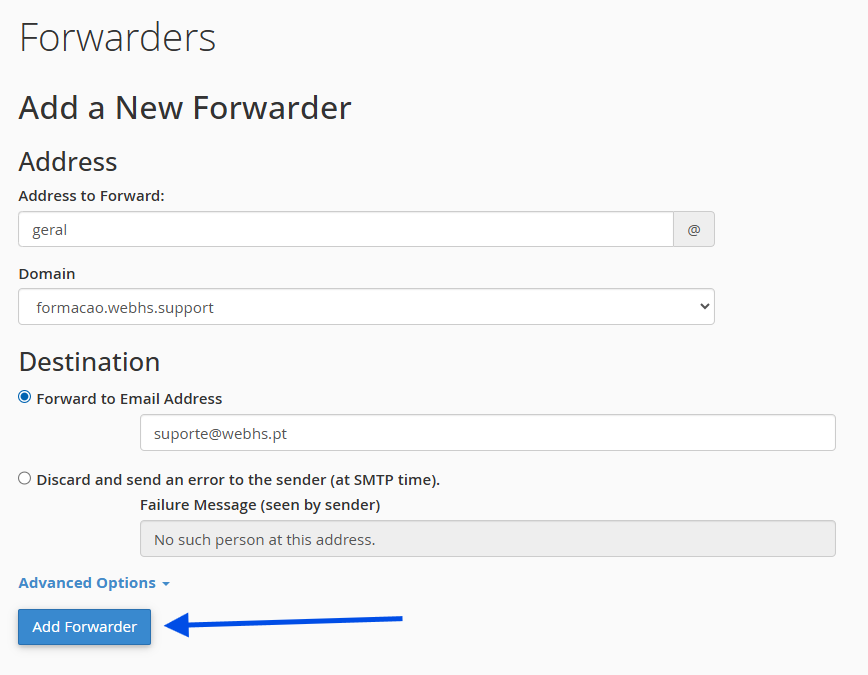
From this point forward, all incoming emails will be automatically forwarded to the specified destination address.
