
Webmail allows you to access and manage your email account directly from your browser, without the need for external applications. Through webmail, you can easily modify several account settings.
What can be configured in Webmail?
Within Webmail, you can:
- Create automatic replies
- Change the account password
- Create email filters
- Set up email forwarders
- Manage contacts and calendar
- Adjust account preferences
- Configure spam filters
How to Access Webmail
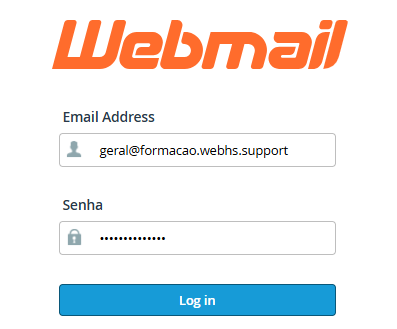
1. Access Webmail using your email address and corresponding password:
(e.g., https://yourdomain.com/webmail or https://webmail.yourdomain.com)
2. Log in to your email account.
Main Available Options
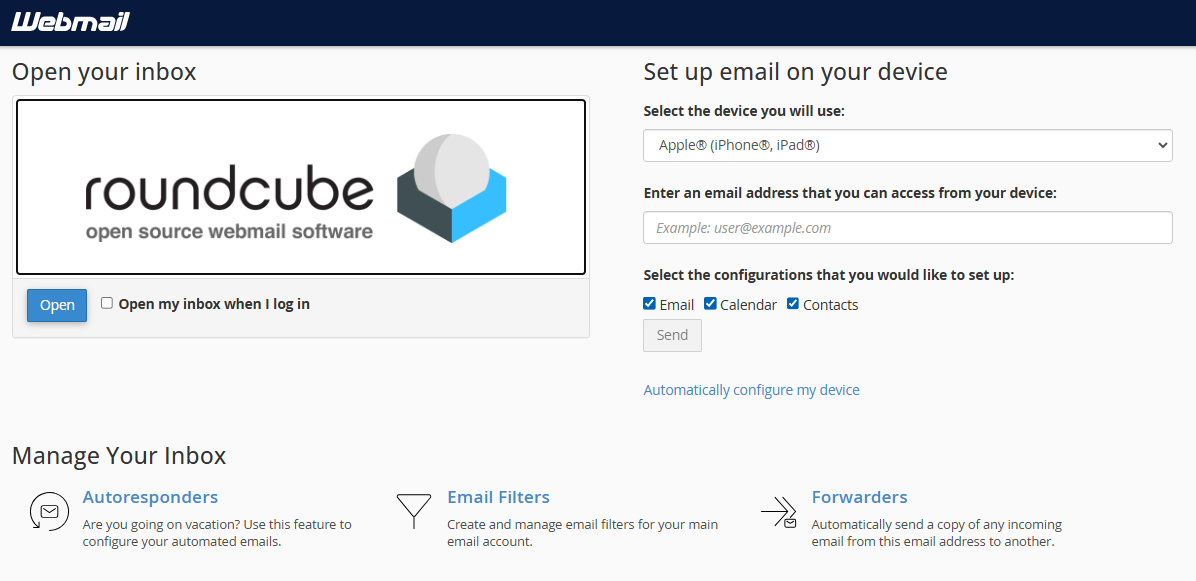
Manage Your Inbox
- Autoresponders - Enable automatic replies (e.g., vacation messages)
- Email Filters - Organize or automatically delete messages
- Forwarders - Forward emails to another address
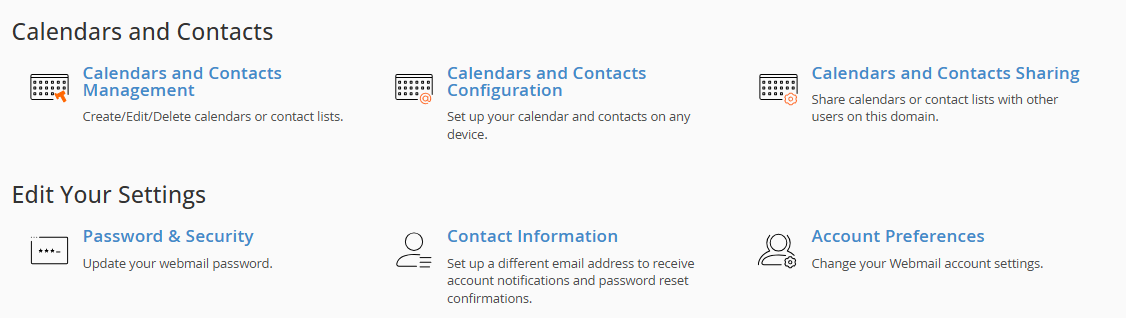
Edit Account Settings
- Password & Security - Change your password
- Account Preferences - Webmail preferences
- Contact Information - Notification details
- Configure Calendar and Contacts - Manage contacts and calendar
Open Your Inbox
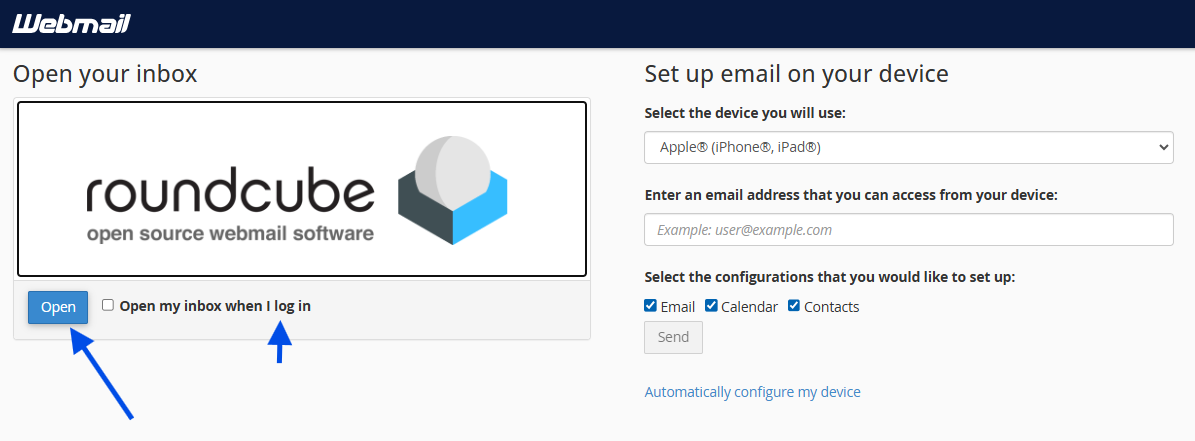
1. Click Open
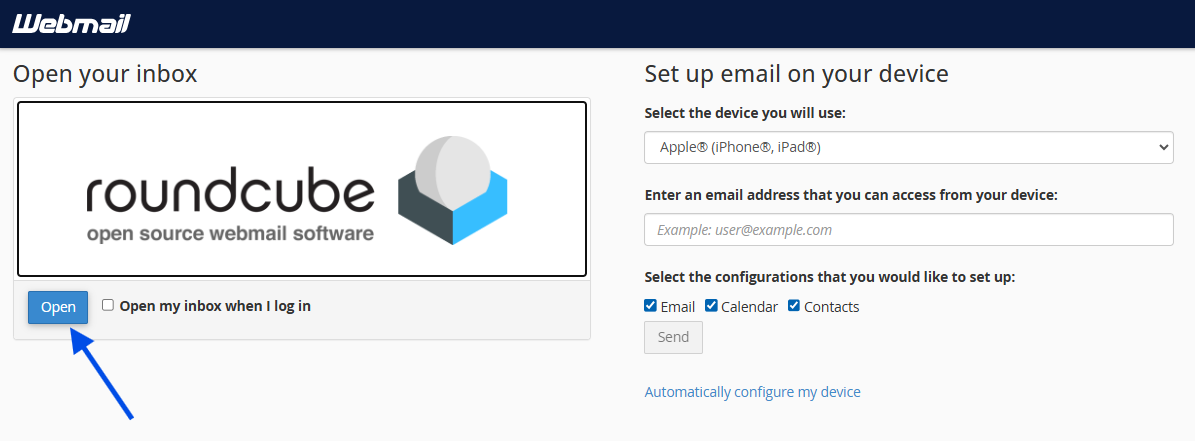
2. Your inbox will open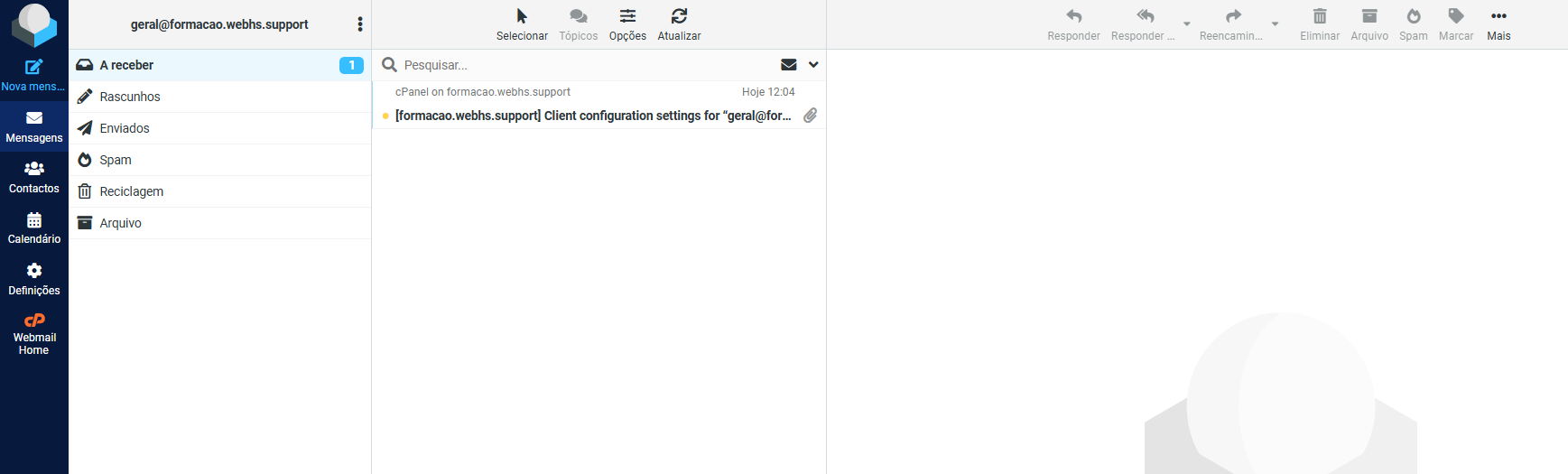 Webmail overview
You may enable the option “Open my inbox when I log in” to skip this page in the future.
 Important Notes
- All changes made in webmail will be apllied only to your email account;
- Access to cPanel is not required for these configurations;
- Ideal for users without technical knowledge.