
cPanel allows you to easily see how your disk space is being used and what is taking up the most space, such as website files, emails, or backups.
 Do not delete any folders or files if you are unable to identify them.
1. Log in to your cPanel account
(e.g.: yourdomain.com/cpanel or cpanel.yourdomain.com)
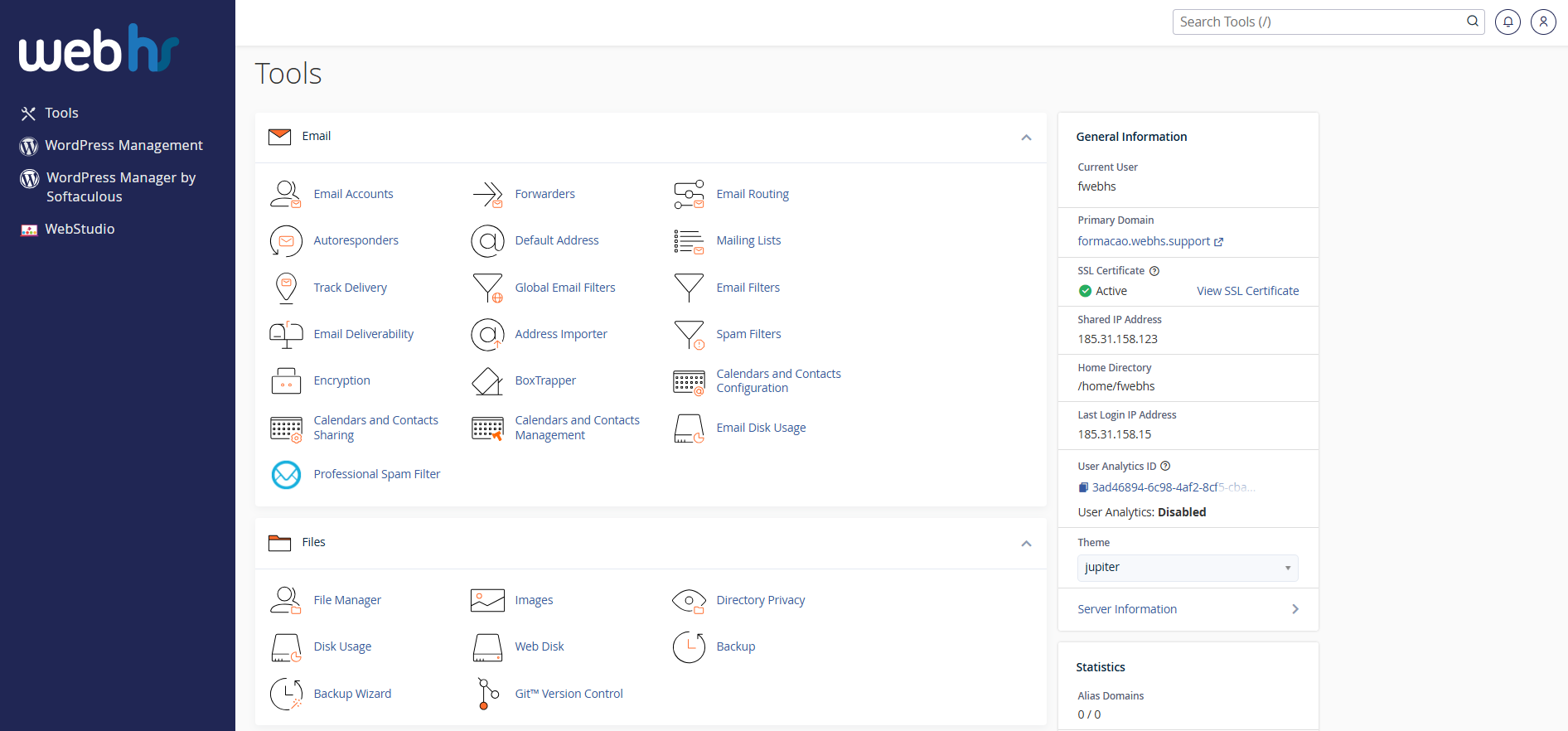
cPanel overview
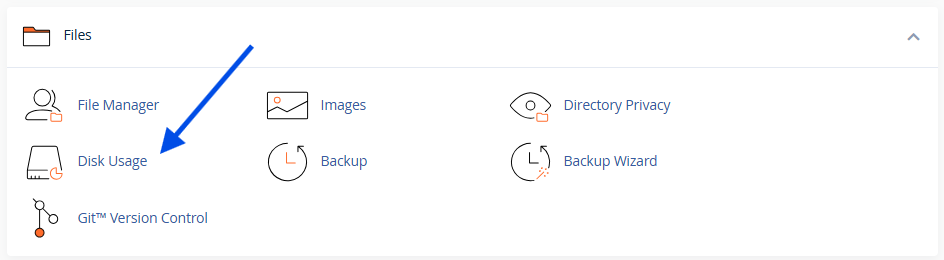
2. Click on Disk Usage
3. Wait a few moments for the information to load
If your hosting account contains many files and/or folders, cPanel may take a few minutes to calculate the disk usage.
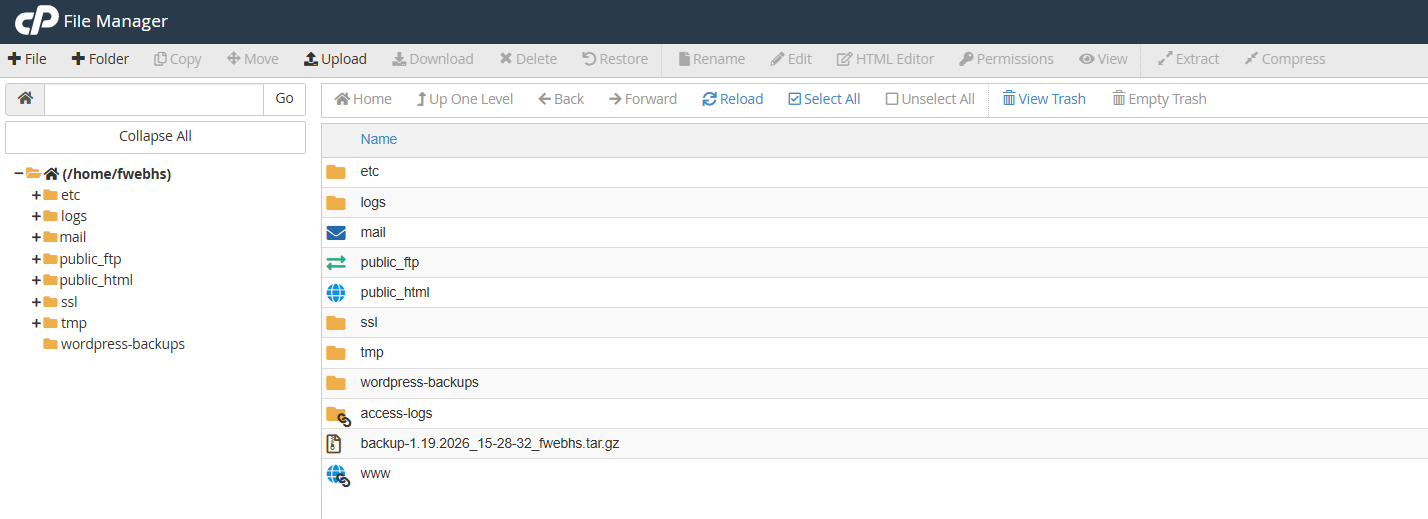
4. Review files and folders
Common folders:
- public_html Website files
- backup – Backups
- logsSystem logs
 Important Tips
- Email accounts often use a large amount of disk space
- Old backups can be deleted after downloading
- Websites with many images or other large files can quickly consume disk space