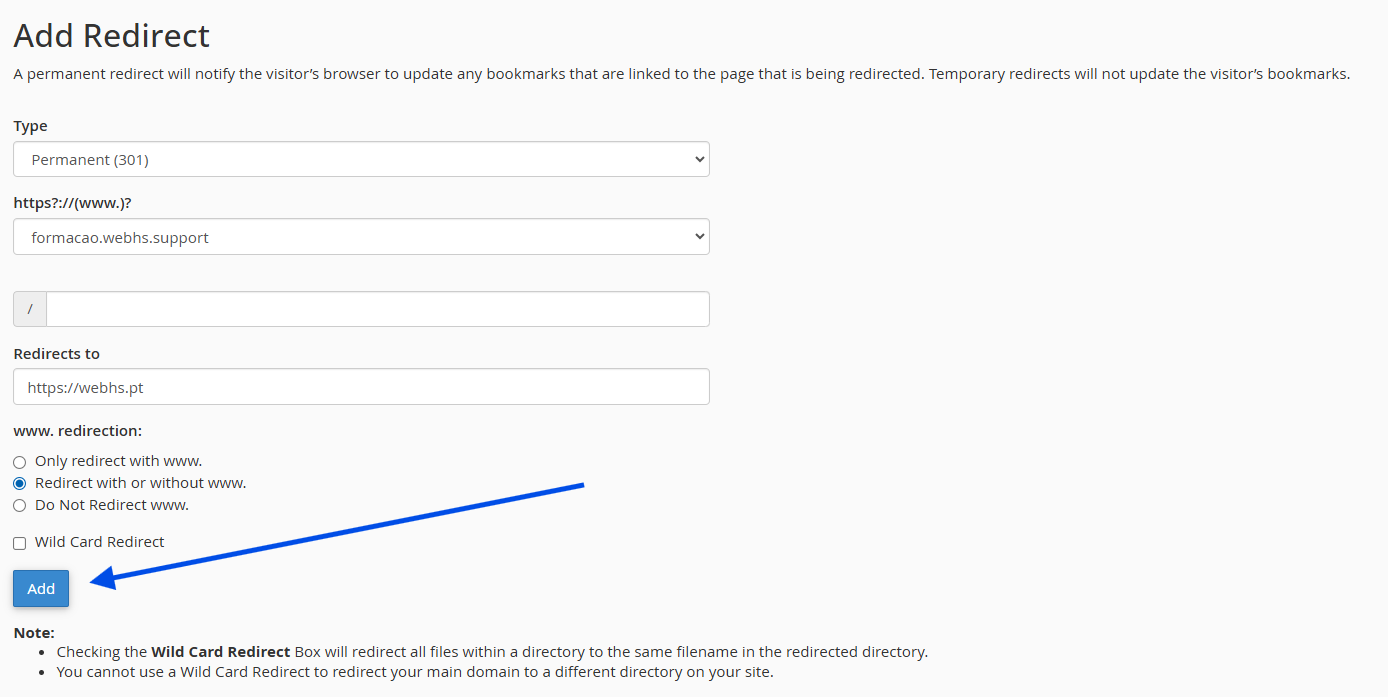
A domain redirect allows all traffic from one domain to be automatically redirected to another domain. This option is useful if you have multiple domains or want to point an old domain to a new one.
1. Log in to your cPanel account
(e.g.: yourdomain.com/cpanel or cpanel.yourdomain.com)
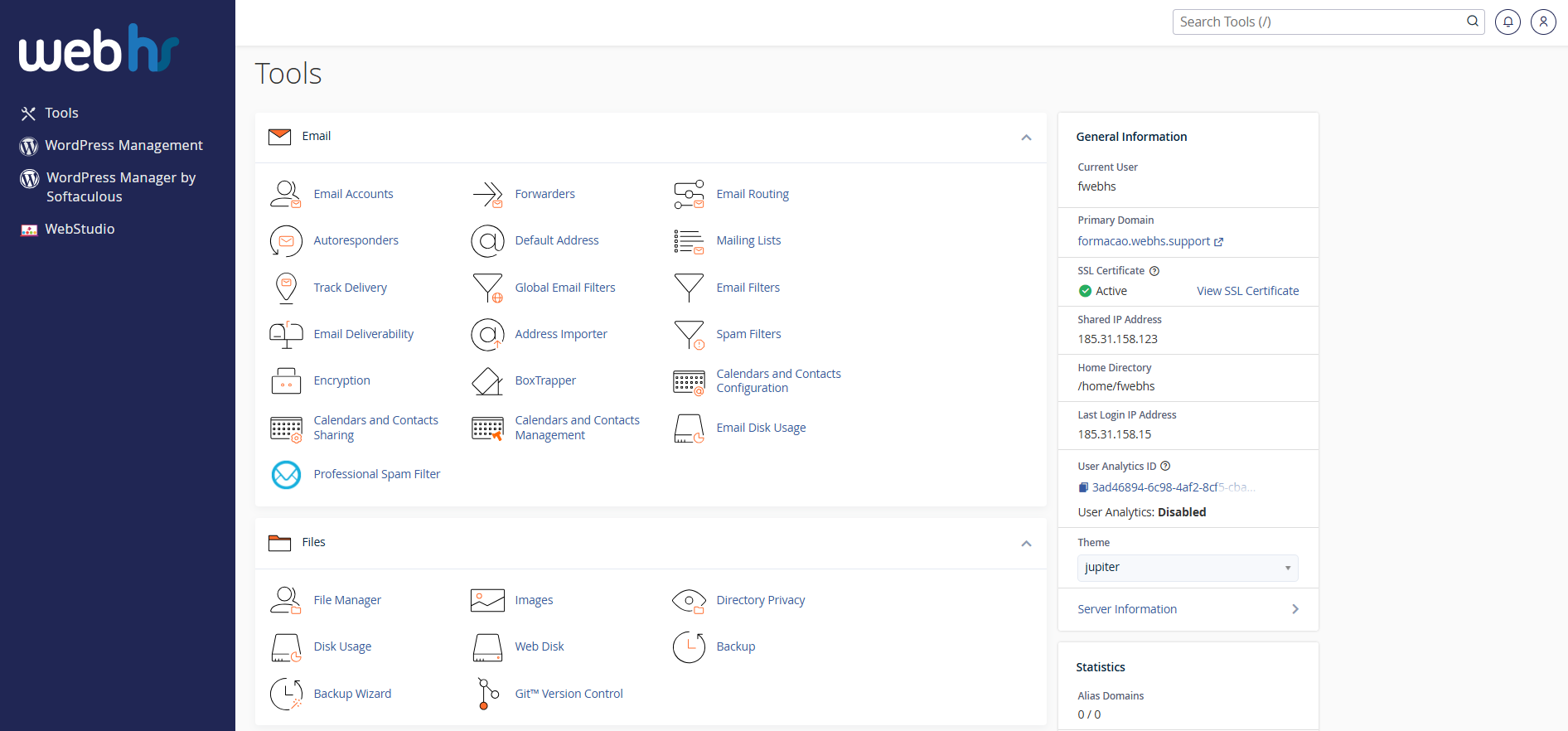
cPanel overview
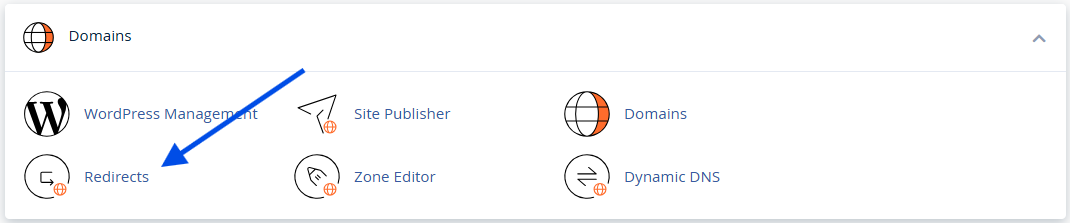
2. Click on Redirects
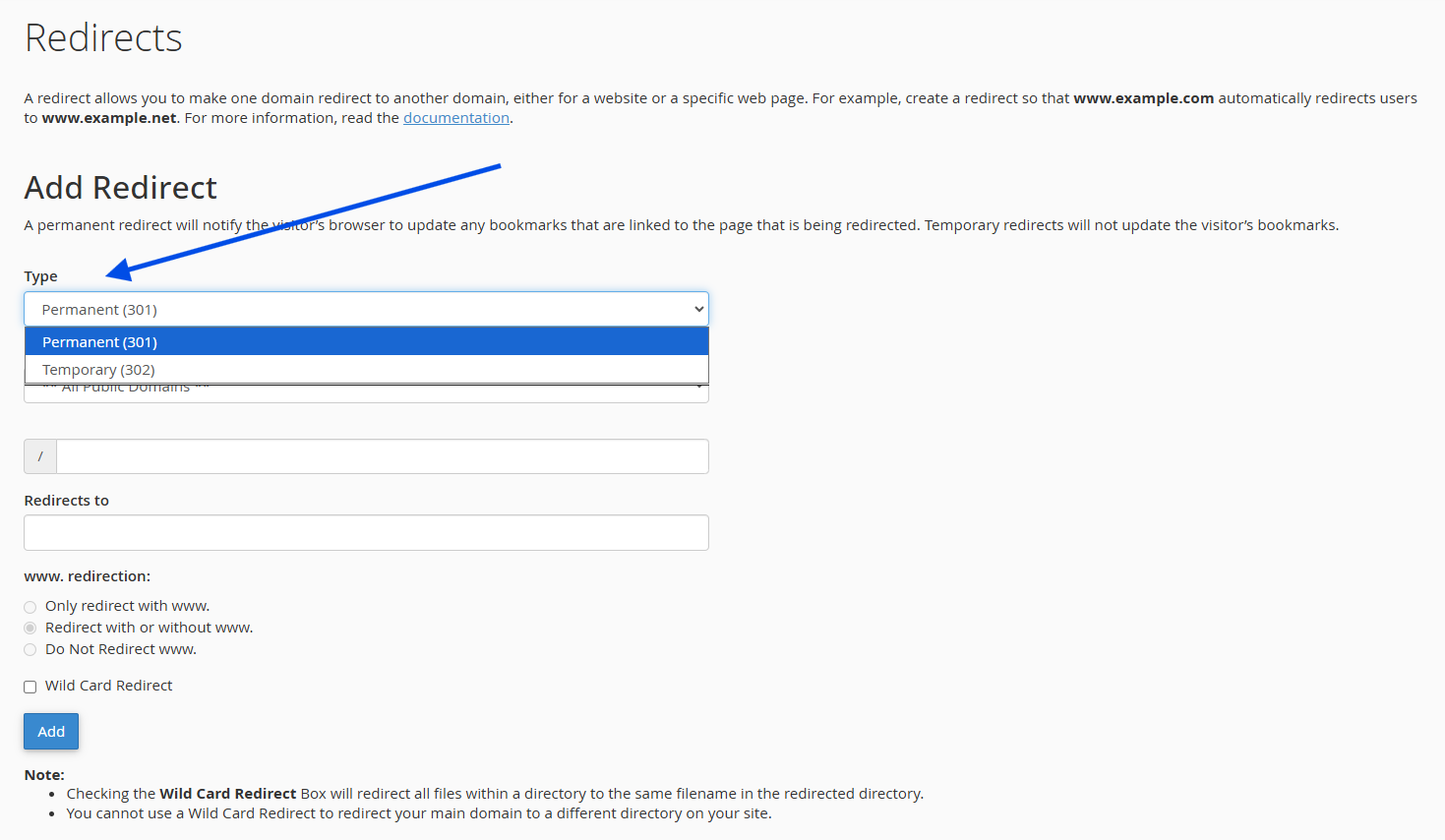
3. Choose the redirect type:
- Permanent (301) – For permanent redirects (highly recommended for SEO)
- Temporary (302) – For temporary redirects
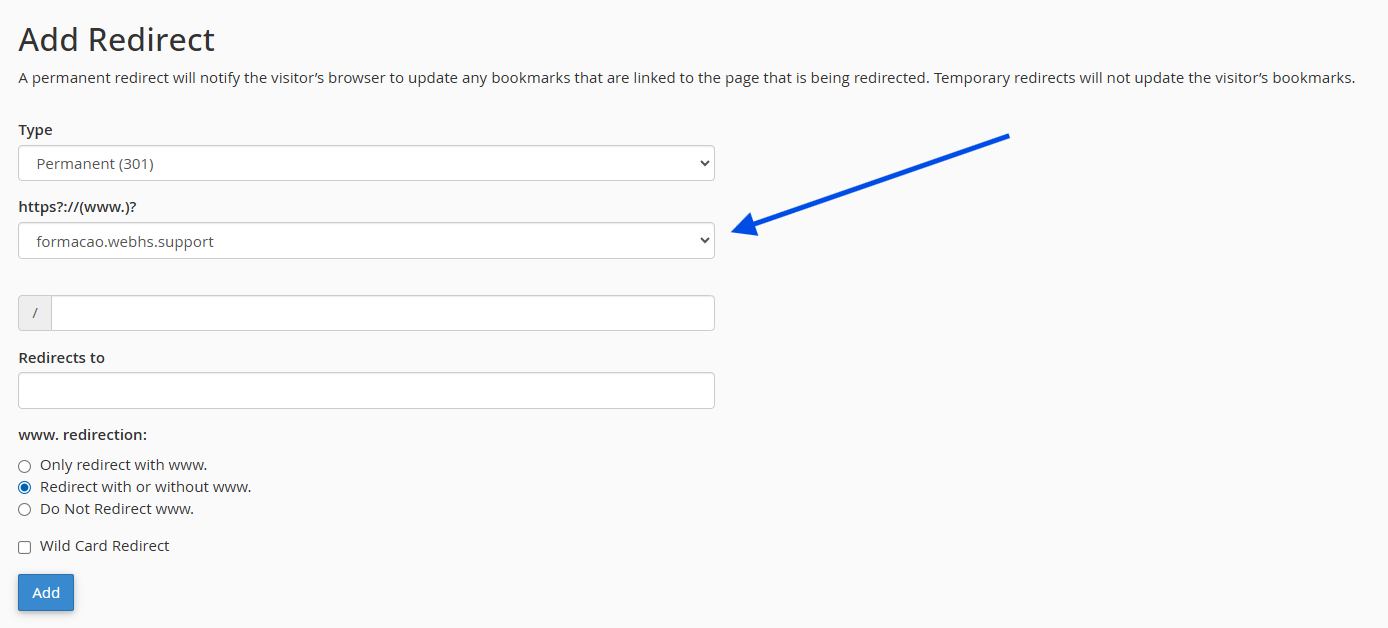
4. Select the domain you want to redirect
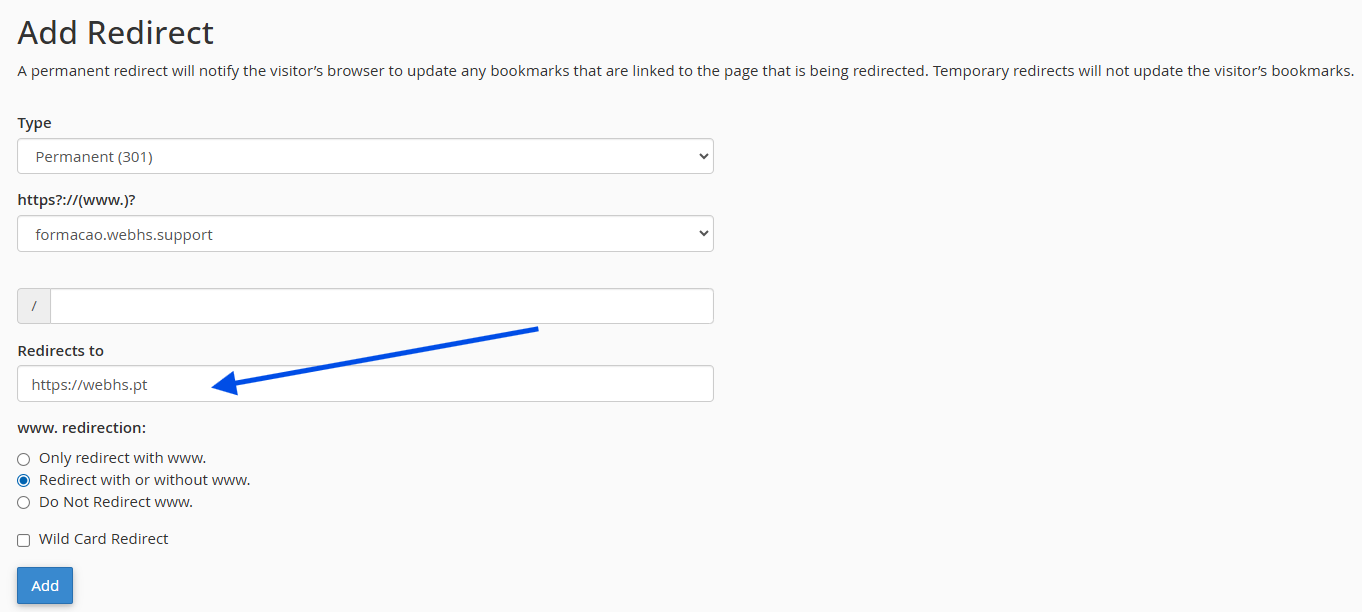
5. In the Redirects to field, enter the destination domain
(e.g., https://www.newsite.com)
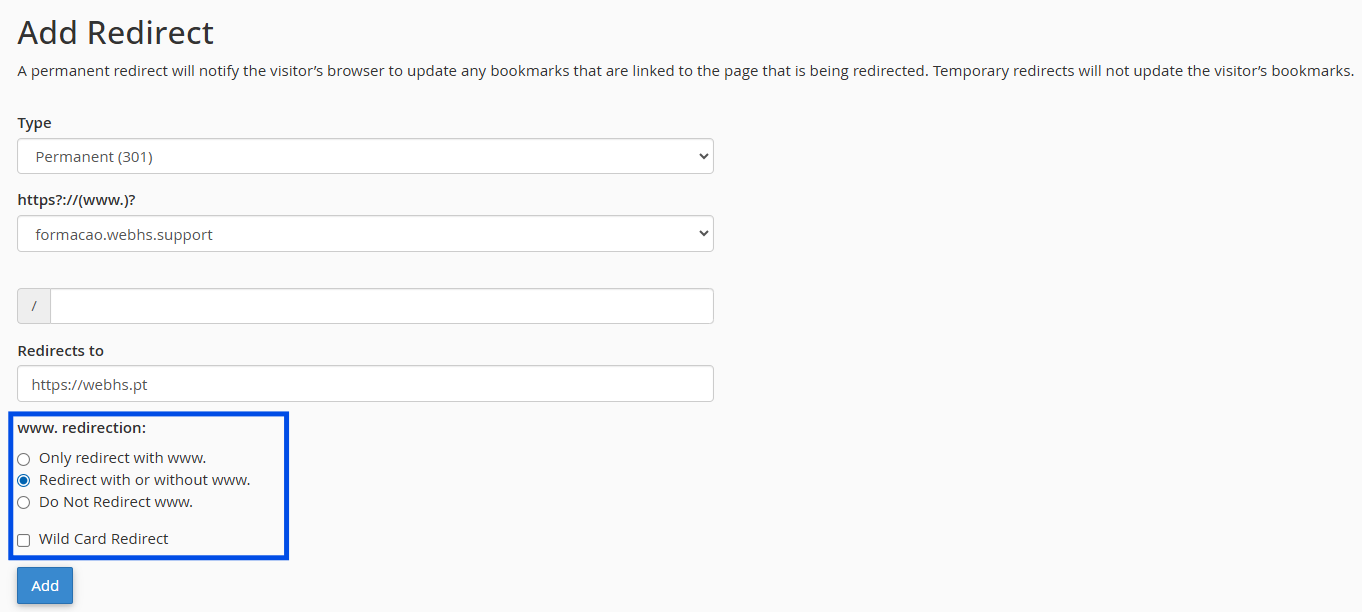
6. Configure whether you want:
- Redirect with or without www
- Redirect only the homepage or all pages/paths
7. Click on Add to create the redirect