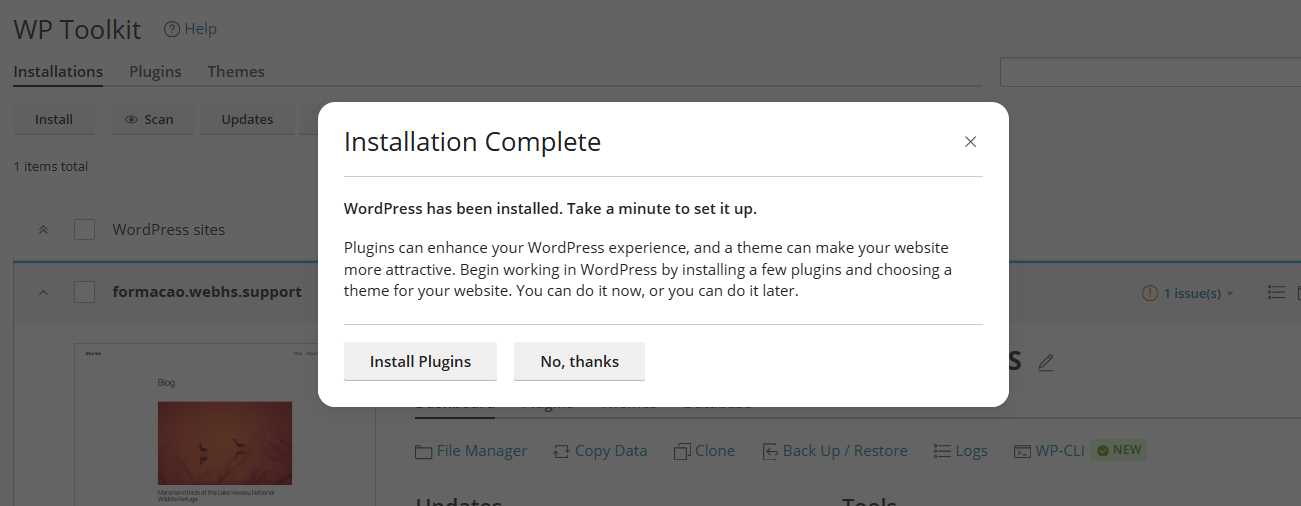
cPanel allows you to install WordPress quickly and easily, without requiring technical knowledge.
1. Log in to your cPanel account
(e.g.: yourdomain.com/cpanel or cpanel.yourdomain.com)
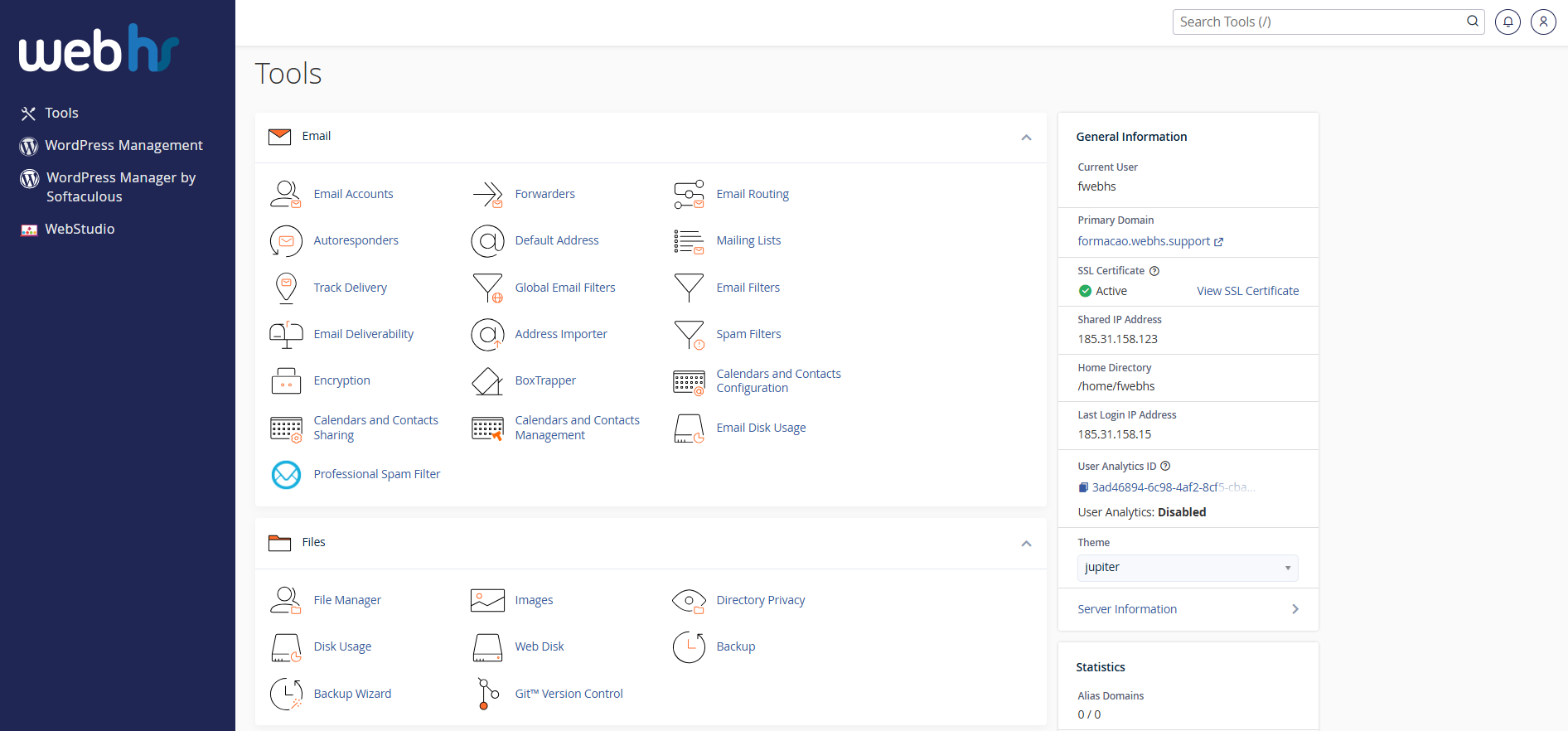
cPanel overview
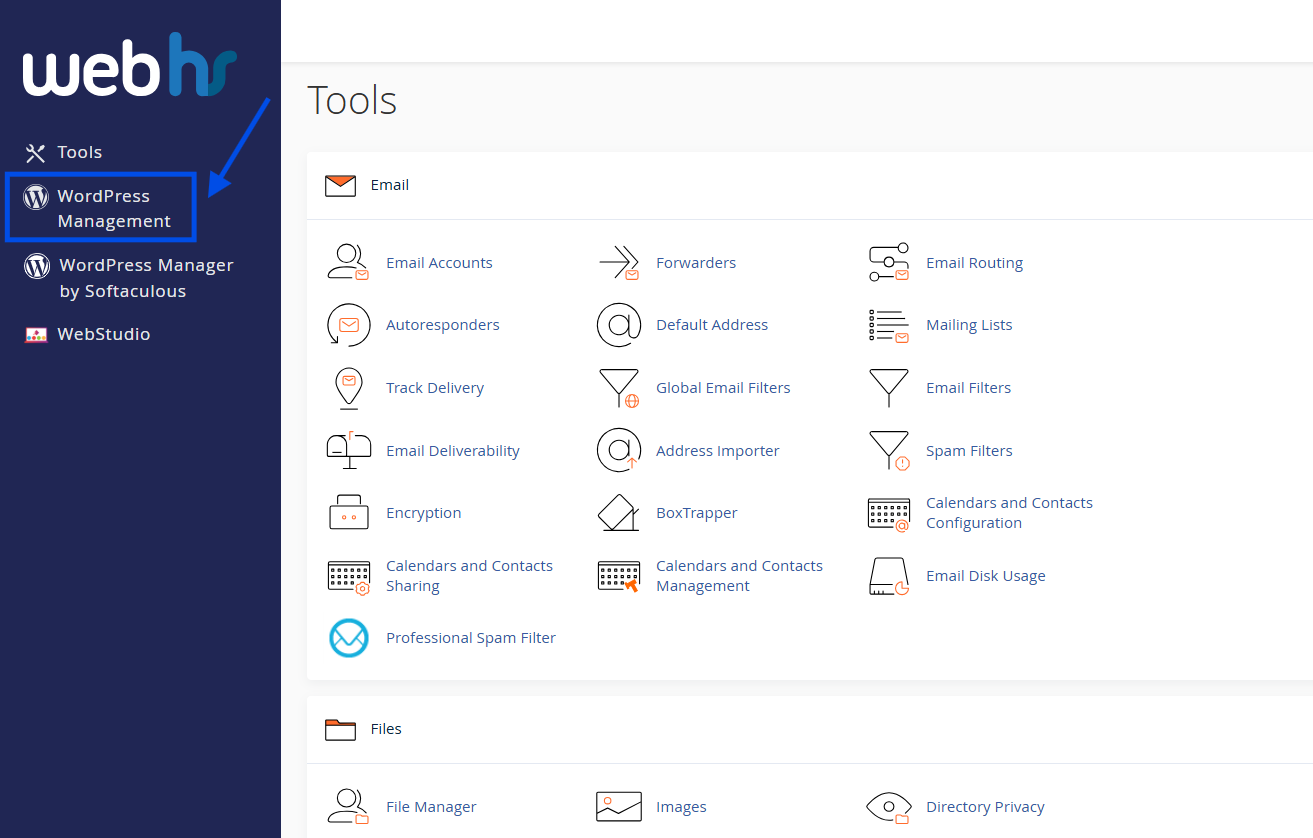
2. From the main dashboard, click WordPress Management
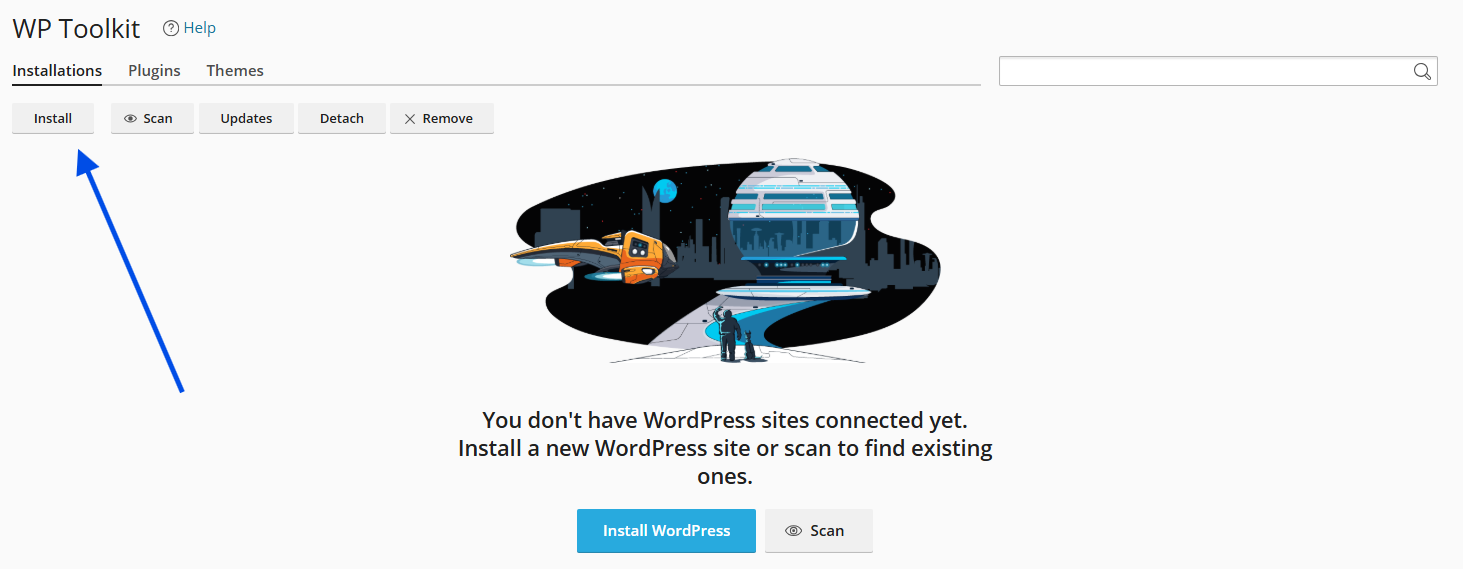
3. Click Install
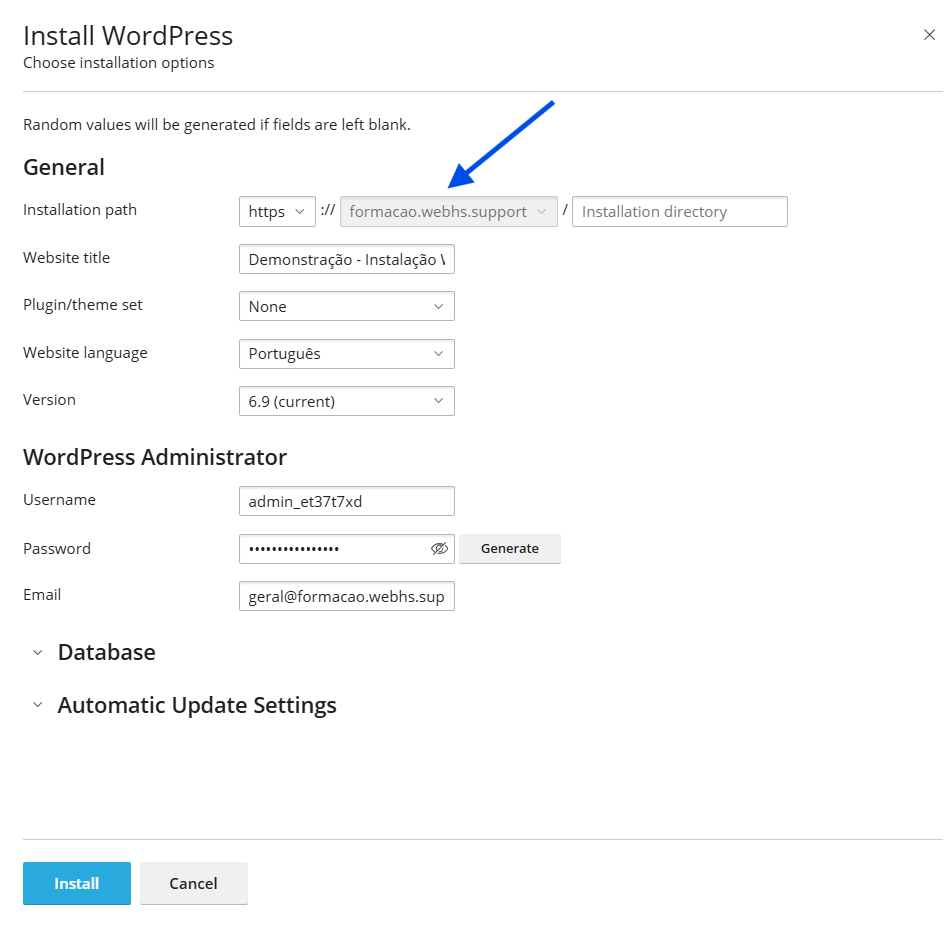
4. Select the domain where you want to install WordPress. Leave the Installation Directory field empty if you want your website to be accessible directly at yourdomain.com
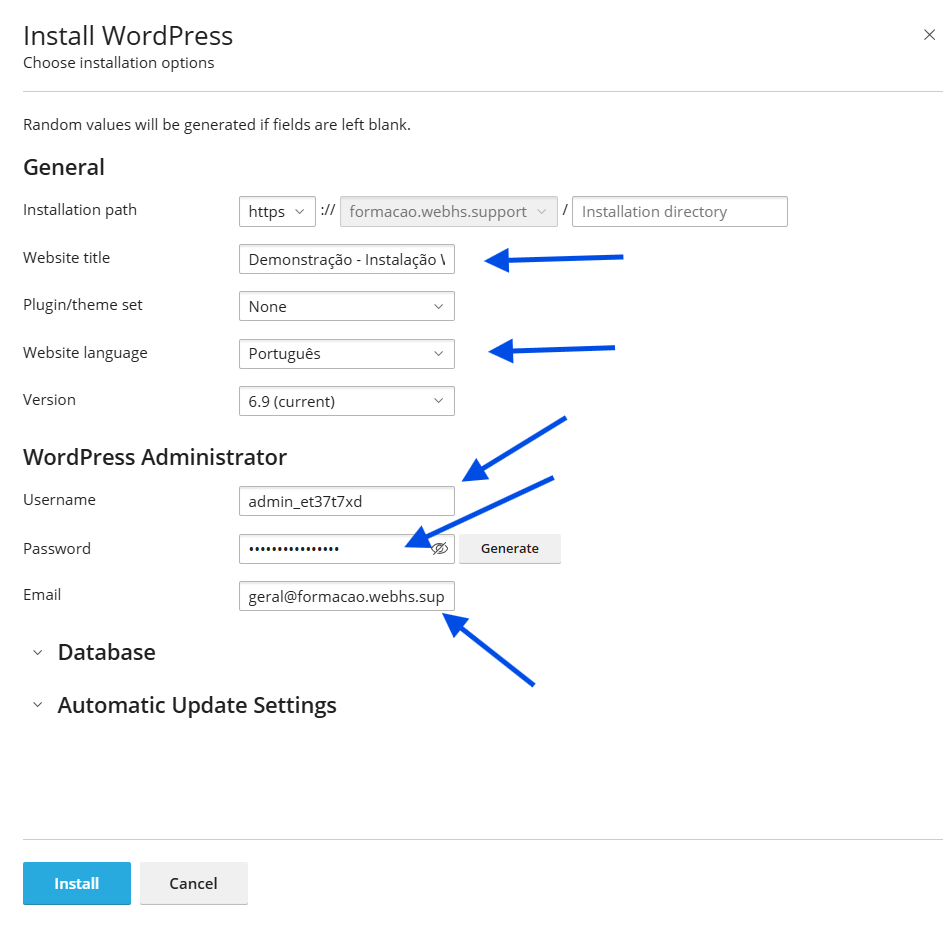
5. Configure the following settings:
Website title - the name of your website
Website language - preferred language
Username - login username for the admin panel
Password - secure password for the admin panel
Email - address to receive notifications and updates
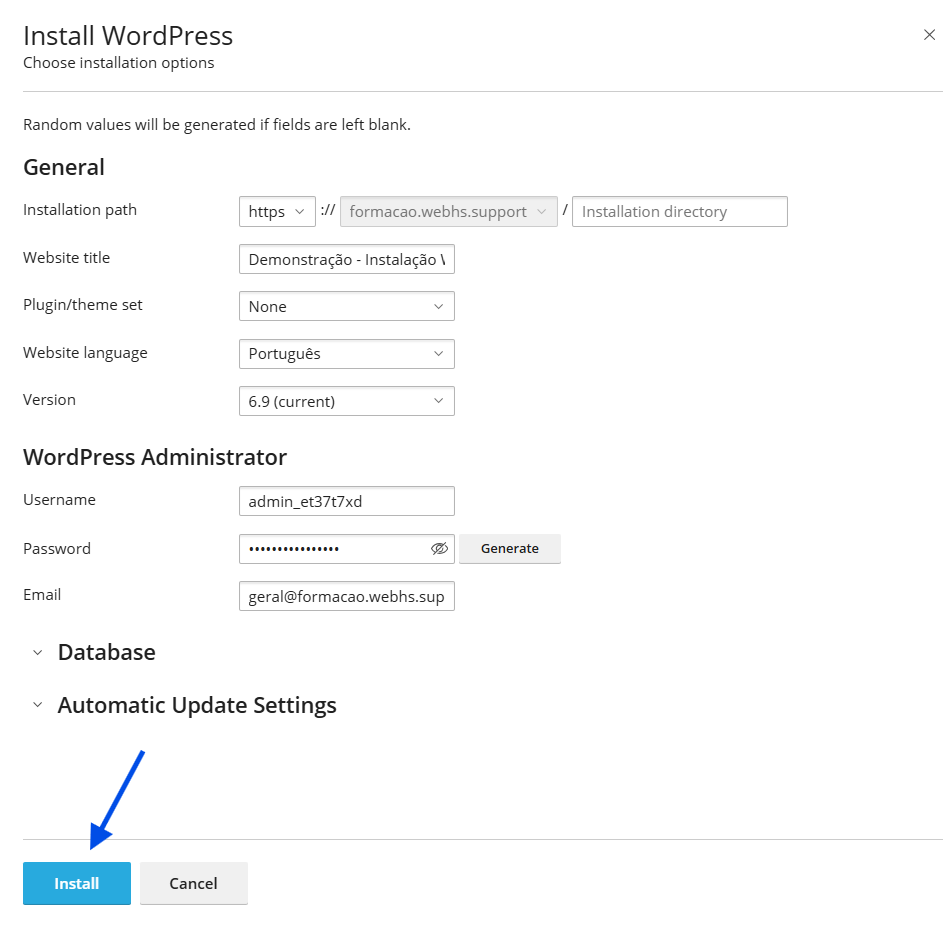
6. Click Install
 The installation process only takes a few seconds.