
1. Log in to your cPanel account
(e.g.: yourdomain.com/cpanel or cpanel.yourdomain.com)
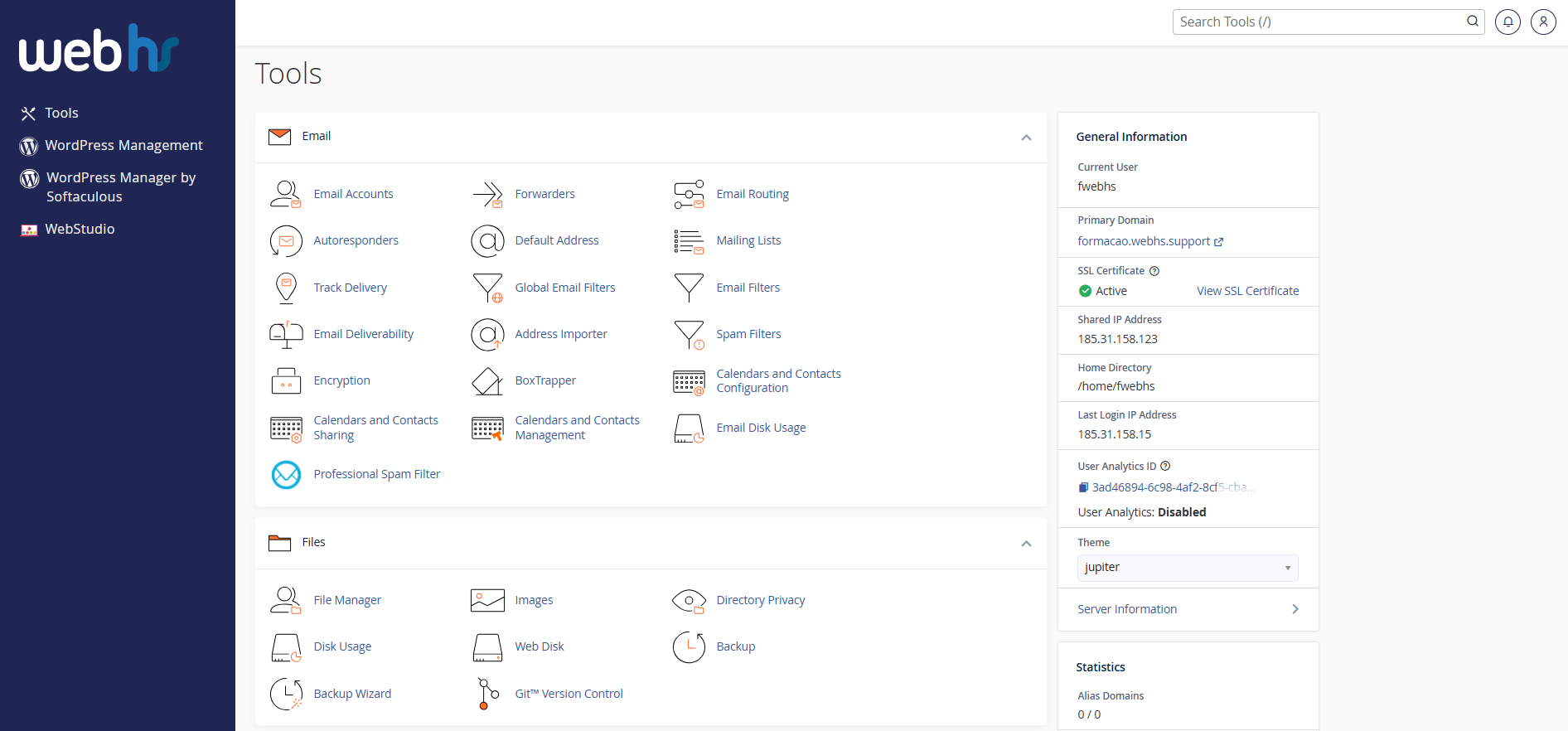
cPanel overview
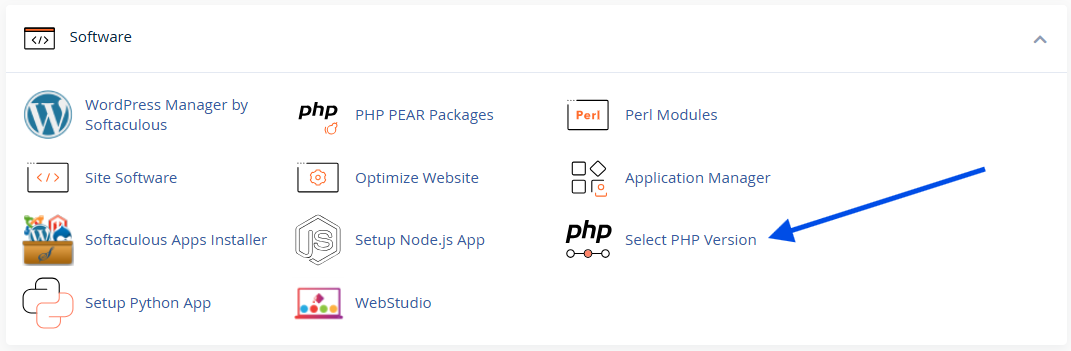
2. Click on Select PHP Version
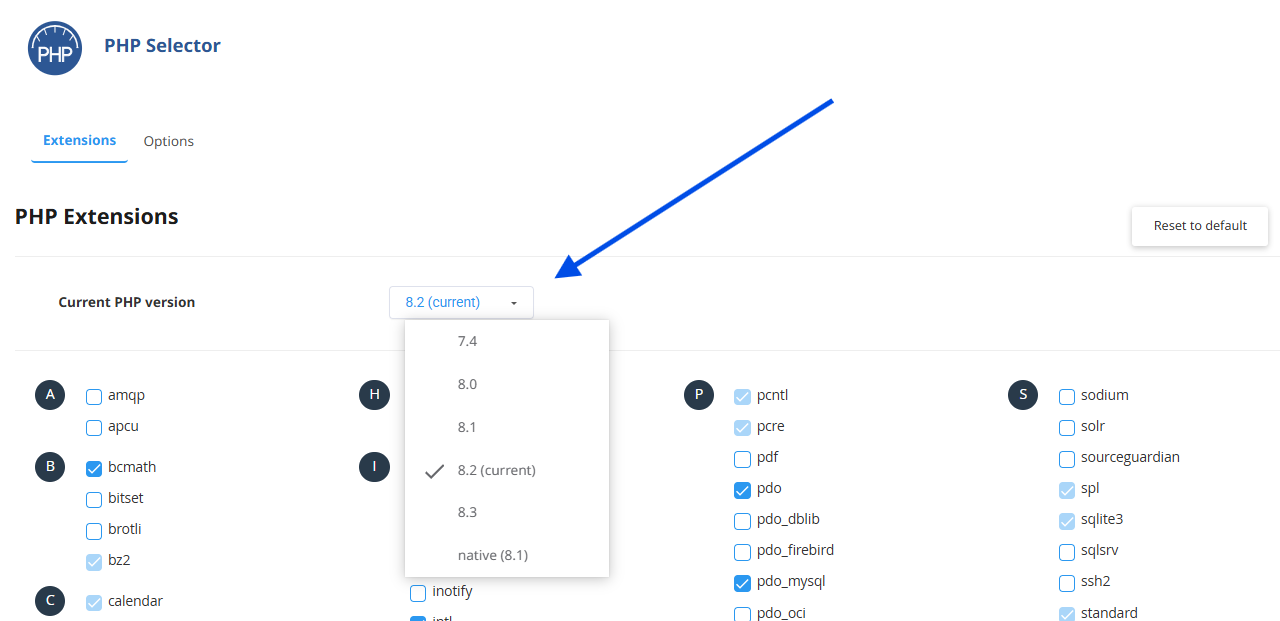
3. Click on the PHP Version drop-down box and select your preferred PHP version
4. Click on Apply
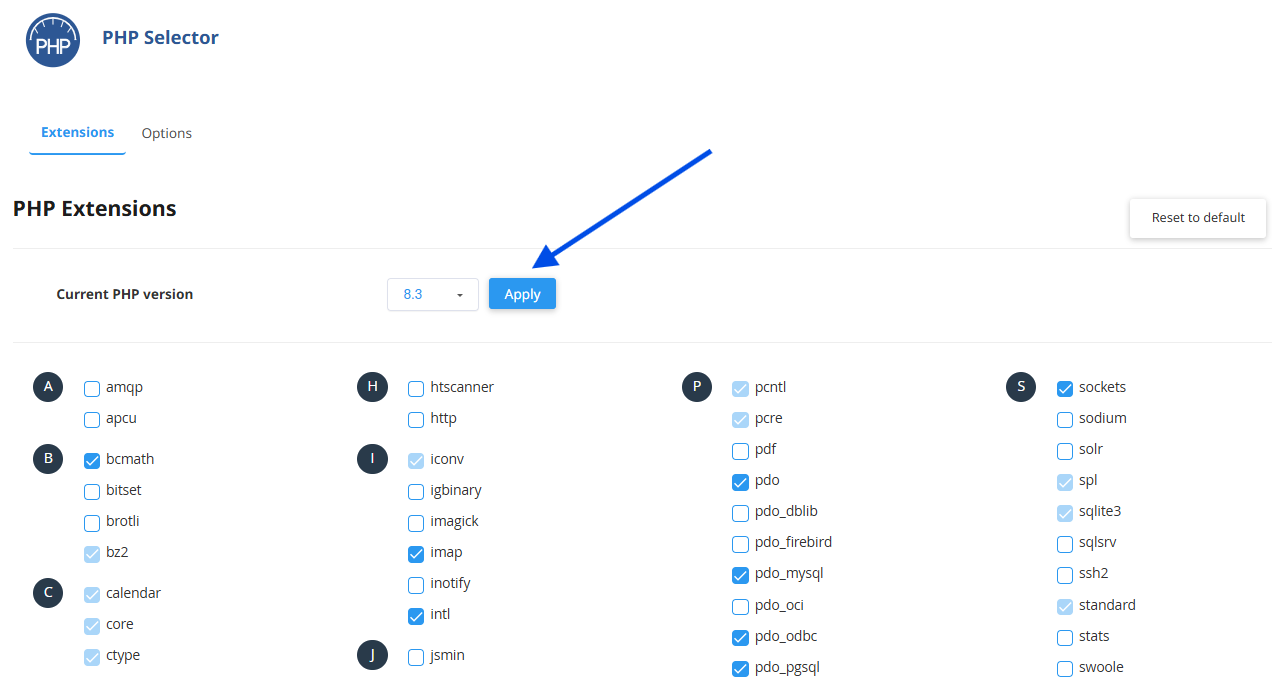 Example image. It does not exempt you from checking your website’s compatibility with the chosen PHP version.
⚙️ The change is applied immediately.
Recommendation:
For WordPress websites, always use a PHP version supported by the theme and plugins (e.g., PHP 8.0 or higher).
https://make.wordpress.org/core/handbook/references/php-compatibility-and-wordpress-versions/